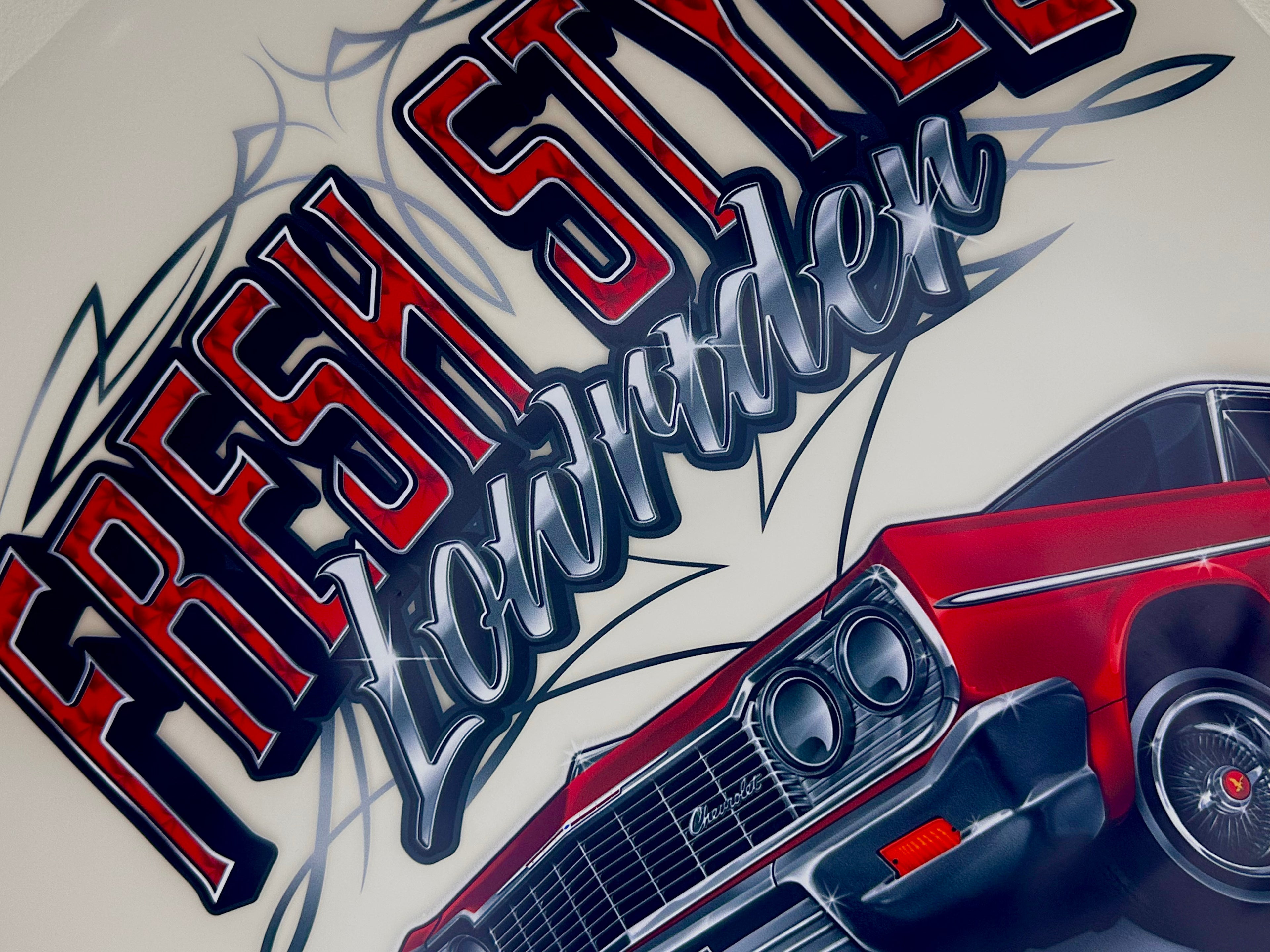
Amazing DTF Transfers at THE BEST prices in town! Fantastic colours, cost-effective and super easy to apply.
* with our gangsheet auto builder, upload your images, specify your dimensions required and finally the quantity you need...the system does the rest in the blink of an eye.
* high-resolution 300dpi .png files with transparent background are recommended to ensure optimum print quality.
* be mindful of semi-transparent designs or extremely thin lines and/or fonts. From experience, these can be a challenge when transferring from the film to your garment.
* we strongly recommend application of your DTF transfers to garments using a purpose built heat press, to deliver firm even heat and pressure. Pressing instructions are supplied with your order.
* if its one of those days and you're having issues using our Auto Builder, send your order by email to cdpexpress@outlook.com. We're here if you need us.
Choose your desired length. If you need more length, our gangsheet AutoBuilder will automatically adjust the amount to your needs. Max. width is 58cm. Click 'Create Your Gangsheet'
STEP 2
Upload each individual file to be used. Files types and size limits are shown. Artwork that is originally created at 300dpi and saved as a .png file is ideal.
STEP 3
You will be given the option to size your file to the width you desire and how many you need. The 'Aspect Ratio' (height + width) will be set so whatever the width is, the height changes accordingly.
STEP 4
If you need to edit your Gangsheet, you can do so by clicking 'Edit design.' Once you are ready to send your Gangsheet, click on 'Confirm my designs.'
STEP 5
In the editing section you will see your designs/artwork nested according to your specifications. Low quality (pixelated) artwork will be flagged for correction.
STEP 6
Once you are happy with the results, click 'Confirm my designs' to send your work to CDP Express and make your payment.
Information about artwork resolutions >>>
The industry standard for quality pixel based artwork is 300dpi. This means artwork that has been created originally in 300dpi. >>>
A file that is low quality - e.g. an image taken off the internet or a camera/phone photo which is usually a low 72dpi - is not ideal for a quality DTF print result >>>
Also, any low quality image converted to 300dpi is still - despite some slight improvement - a low quality image, but may still be passable if the artwork is clean >>>
Our gangsheet AutoBuilder will automatically check each image resolution and flag those which are ideal, satisfactory and unable to be used. Resolutions just under and close to 300dpi will work fine >>>
We hope this helps with your gangsheet creation. If you have any questions or queries, please don't hesitate to email us at cdpexpress@outlook.com and we will reply as quickly as possible. Thank you for using our 'AutoBuilder' gangsheet builder.
Choosing a selection results in a full page refresh.